Work Order App Operating Manual
Version:v1.0.5
Introduction
This document aims to help employees and customers quickly understand the basic functions of the app. By following the process outlined in this document, users can configure POC, read electricity meters, and configure transformer ratios. If you have any questions, please contact our sales or customer service representative.
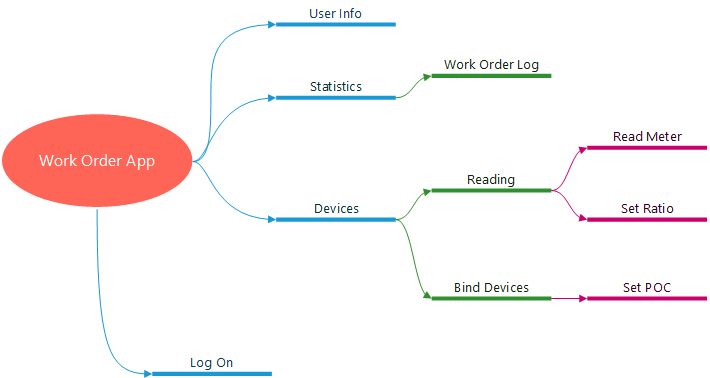
The mind map of the system is as follows:
Devices
Please log in to the app in advance using the created installation account.
Bind Devices
This module demonstrates how to bind an electricity meter and module, and set up a POC.Please refer to the GIF for specific operating steps in setting POC.

Read&Set Ratio
Please refer to the GIF for specific operating steps in reading meter、setting ratio and reporting ratio.

If you encounter problems during the reading process, you can report the cause of the error. For specific steps, please refer to GIF

Statistics
This module displays a list of work orders that users need to process. Users can filter work orders based on their status and view work order logs
View Log

User
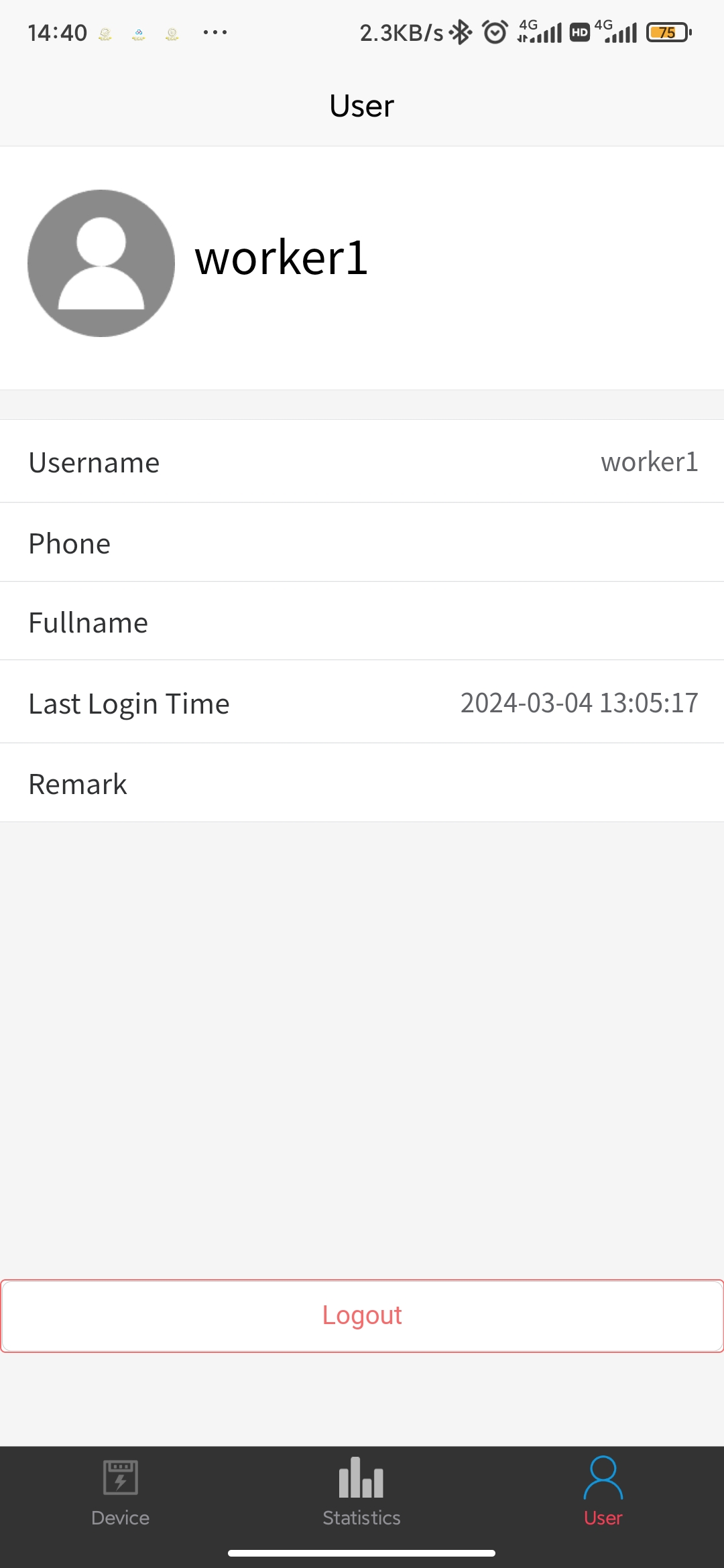
This page displays basic user information and provides a logout button.